¿Qué es MultiFlexi?
MultiFlexi is an open-source task scheduling and automation platform for business system integrations. It lets organizations run applications — importers, exporters, reports, health checks — on a schedule across multiple companies, with isolated credentials and full execution history.
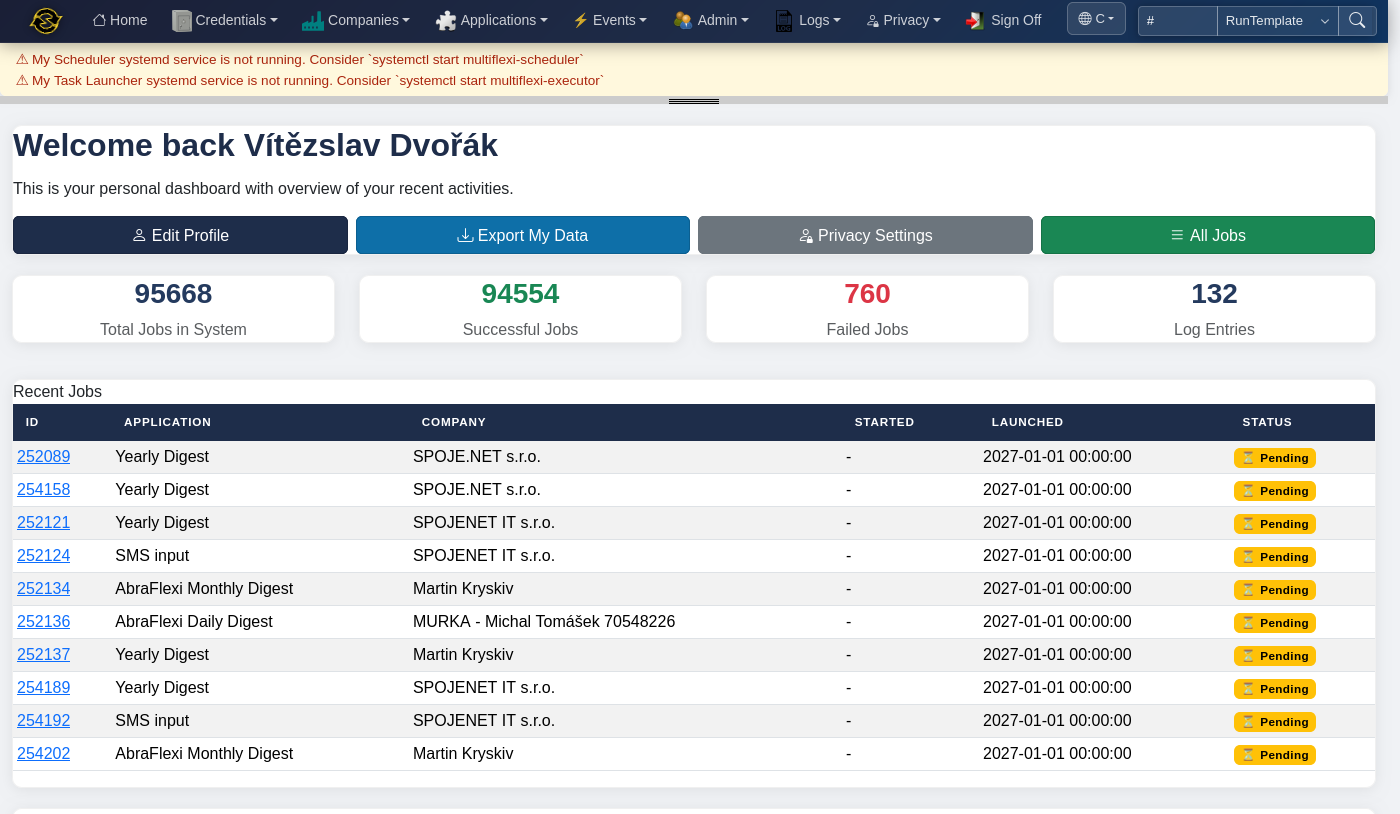
Think of it as cron on steroids for business automation: instead of managing scattered shell scripts and cron entries, you register applications once, assign them to companies with the right credentials, and let MultiFlexi handle scheduling, execution, output capture, and monitoring.
Who is it for?
Accounting Firms
Automating daily tasks for dozens of clients — bank imports, invoice generation, report exports — each running with that client's own credentials.
Managed Service Providers
Running system health checks, backup verifications, and compliance reports across customer environments on schedule.
Internal IT Teams
Synchronizing data between systems, dispatching notifications, and maintaining databases without hand-written automation glue.
Key Concepts
MultiFlexi is built around five core entities that work together:
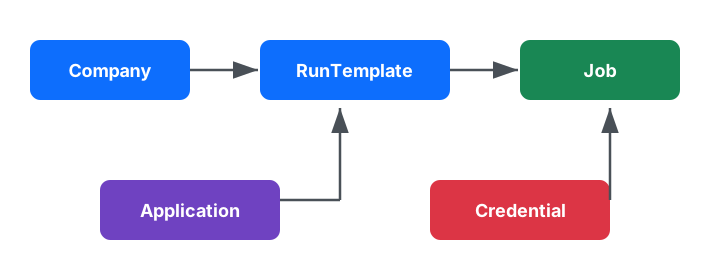
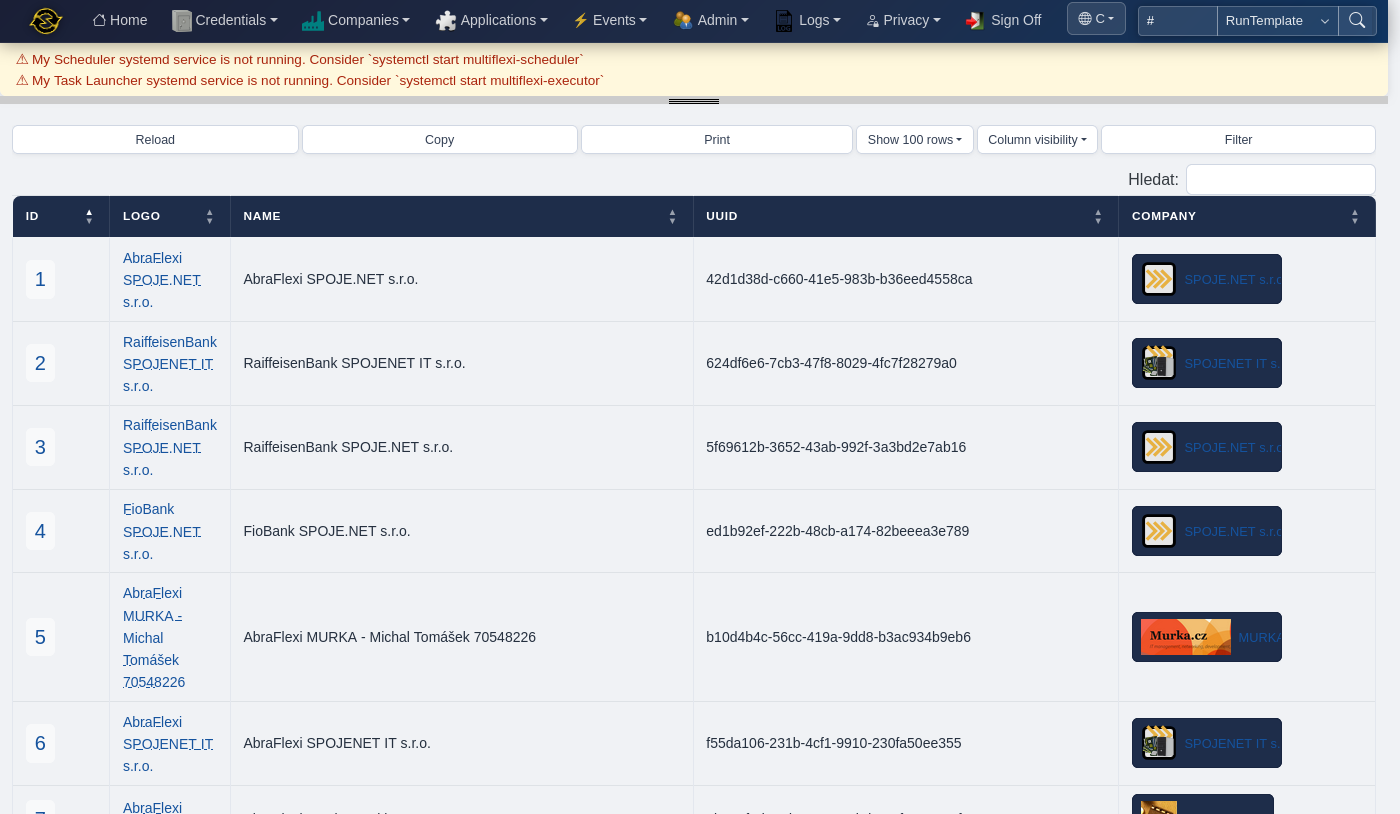
A tenant or organization you automate tasks for. Each company has its own set of credentials and job history, ensuring full data isolation.
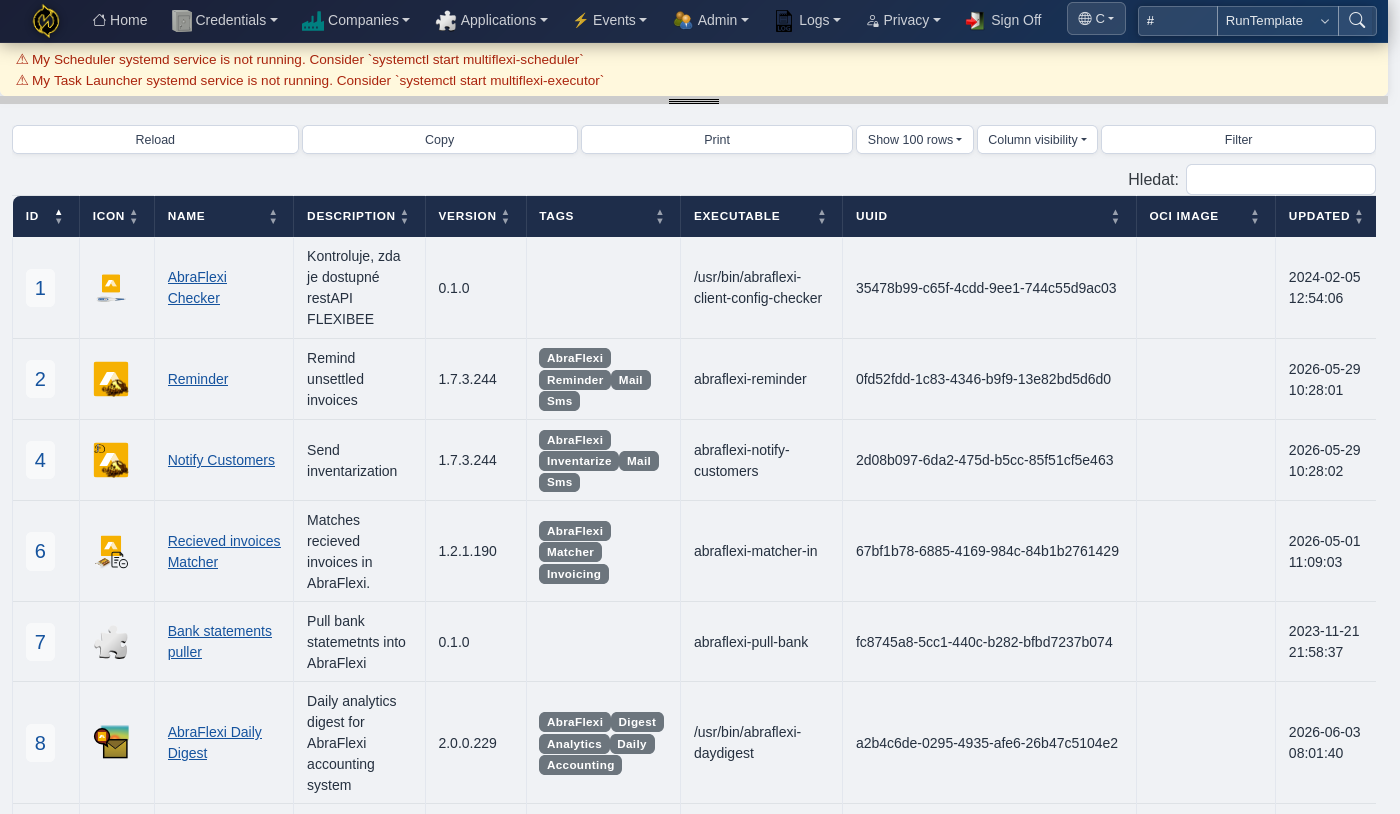
A tool that MultiFlexi can execute — a CLI binary, a PHP script, a Docker image. Applications are registered once and can be assigned to any company.
Securely stored authentication data (API keys, database passwords, SMTP accounts). Credentials are scoped to a company and encrypted at rest with AES-256.
The link between an application and a company: "run this app for this company on this schedule with these credentials."
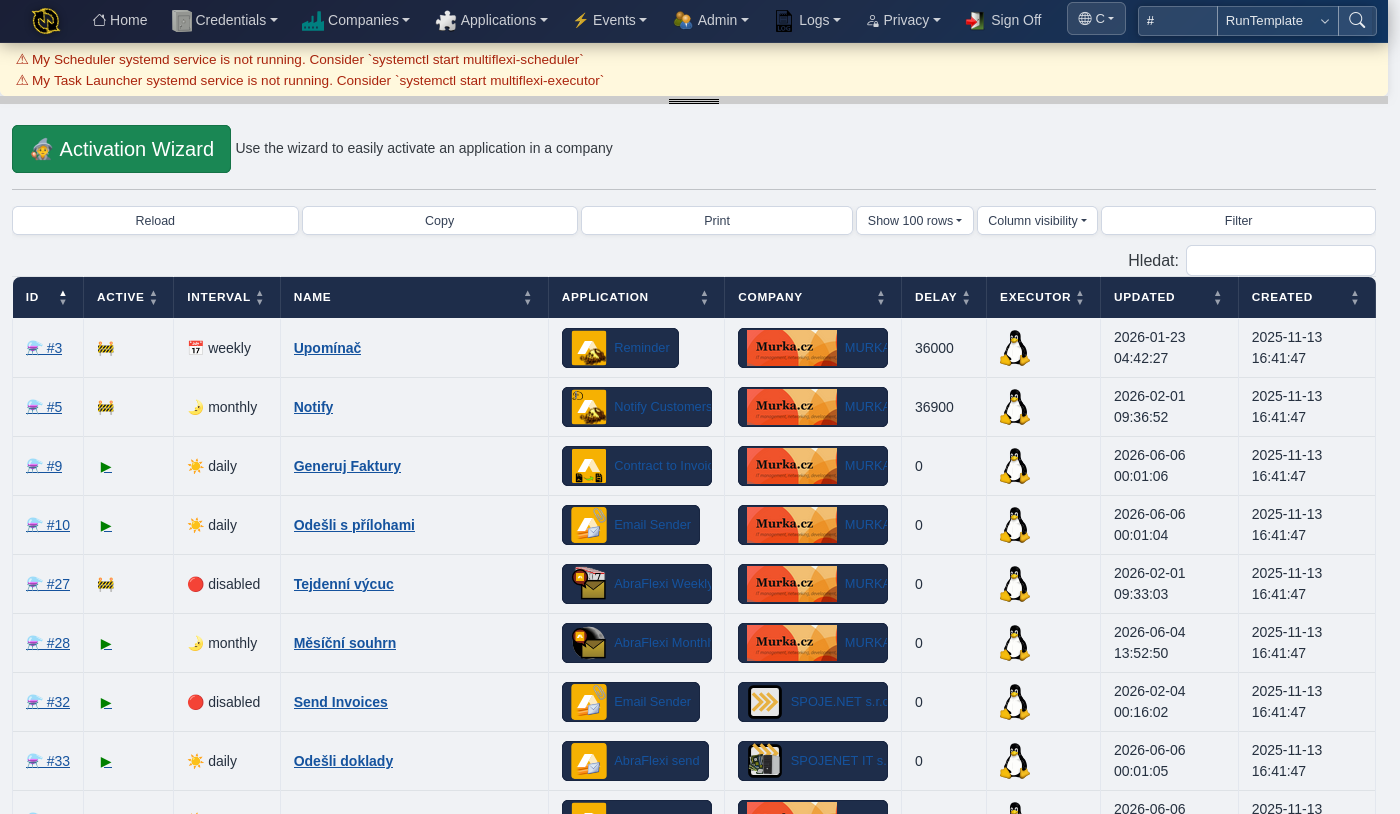
A single execution of a RunTemplate. MultiFlexi records the start time, exit code, stdout, stderr, and any output files as searchable artifacts.
How It Works
- Register an application — import its JSON definition or create it in the web UI.
- Add a company — create a tenant representing the organization whose tasks you're automating.
- Assign credentials — store the company's API keys, database passwords, or SMTP accounts. MultiFlexi encrypts them and injects them as environment variables at runtime.
- Create a RunTemplate — pick the application, the company, the schedule, and the credentials.
- Jobs run automatically — the scheduler daemon creates job records when the schedule is due, and the executor daemon launches the application and captures all output.
Execution Environments
MultiFlexi can launch applications in several ways:
run the command directly on the server
run inside a Docker container with the application's OCI image
rootless container execution
launch as a K8s pod
run in the cloud
The executor is pluggable: each RunTemplate can use a different execution backend depending on the application's requirements.
Multiple Interfaces
You interact with MultiFlexi through whichever interface fits your workflow:
Web UI
Bootstrap 5 dashboard with real-time metrics, company/application/credential management, job history, and live output streaming via WebSocket.
CLI
Full-featured command-line tool for scripting, CI/CD pipelines, and headless administration. (multiflexi-cli)
TUI
Interactive terminal interface built with Bubbletea (Go) for keyboard-driven management. (multiflexi-tui)
REST API
JSON/XML/YAML endpoints with HTTP Basic and token authentication for programmatic integration.
MCP Server
Model Context Protocol server for AI agent integration.
Monitoring and Observability
- Zabbix integration with Low-Level Discovery — auto-discovers companies and applications, monitors job success rates and execution times
- OpenTelemetry support for distributed tracing
- Structured logging to syslog, database, and custom targets
- Universal artifact preservation — every job's stdout, stderr, and output files are stored and searchable
Getting Started
Ready to try it?