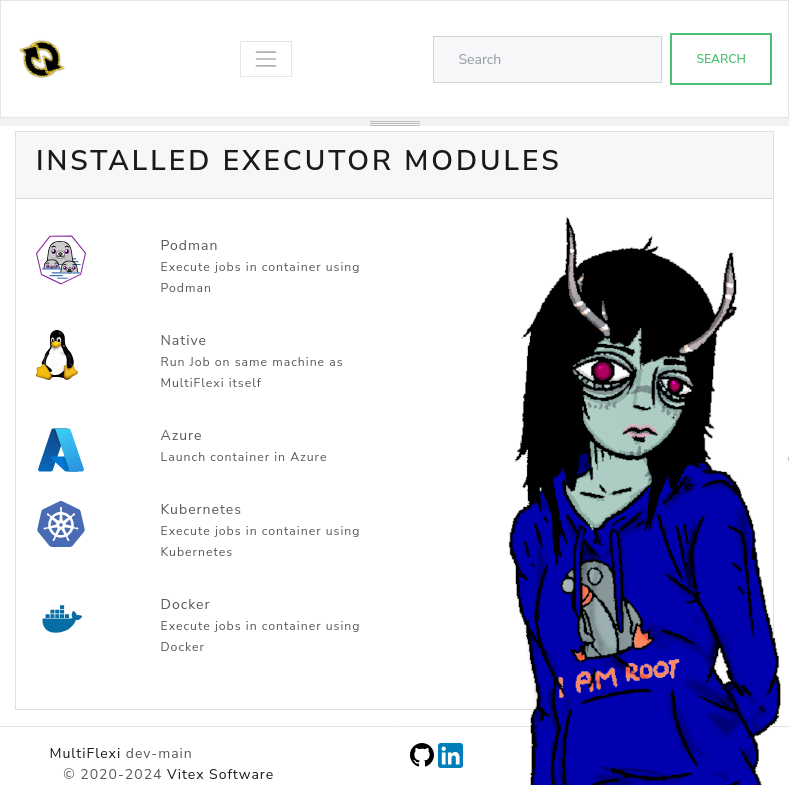
Executors
MultiFlexi supports multiple executor modules that determine where and how a job is run. The executor is configured per-runtemplate and can be changed at any time via the web interface or the CLI.
Native Executor
The Native executor runs tasks directly on the host machine without any containerization. It is the default executor.
Features:
Direct execution on the host machine
No container overhead
Requires dependencies to be installed on the host
Uses Symfony Process to launch and monitor commands
Supports live output streaming via WebSocket
The job command line is constructed from the application’s executable and
cmdparams fields, with environment variables resolved from the runtemplate
configuration.
Note
Environment variable precedence: job-level configuration (runtemplate
config and one-time --env overrides) takes precedence over any matching
variable already present in the system environment. This prevents ambient
system variables (e.g. DB_HOST set by another service) from silently
overriding job-specific credentials.
Docker Executor
The Docker executor runs tasks inside one-shot Docker containers via
docker run --rm.
Features:
Runs tasks in isolated Docker containers with the application
ociimagePasses job environment through a temporary
--env-fileOptional Docker network via
MULTIFLEXI_DOCKER_NETWORKOptional
docker pullbefore each job viaMULTIFLEXI_DOCKER_PULLRequires Docker Engine; package postinst adds
multiflexito groupdocker
Host setup (summary): install Docker → install multiflexi-executor-docker
→ confirm multiflexi ∈ docker → restart multiflexi-executor → set
runtemplate executor=Docker.
For the complete numbered checklist, see Docker Executor.
Kubernetes Executor
The Kubernetes executor runs tasks as one-shot pods inside a Kubernetes
cluster. When an application declares a helmchart, Helm manages the
in-cluster deployment first; otherwise only the one-shot pod is launched.
Jobs use kubectl run --attach.
Features:
Runs tasks in isolated Kubernetes pods
Optional Helm chart deployment when
helmchartis set and the release is not already in the clusterArtifact collection from pods via
kubectl cp(every path listed in the applicationartifactsfield)Pod cleanup after execution (configurable)
Requires
kubectlin$PATH(andhelmwhen using Helm charts)Requires a valid kubeconfig accessible by the daemon user
Namespace override via
MULTIFLEXI_K8S_NAMESPACE
The executor reads the ociimage (required), helmchart (optional), and
artifacts (optional, comma-separated paths) fields from the application
record. Environment variables are passed to the pod via --env flags on
kubectl run.
Execution flow:
If
helmchartis set: check Helm release (helm status), thenhelm upgrade --installwhen missingCreate pod via
kubectl run --restart=Never --attachCapture stdout/stderr from the pod
Collect every configured artifact path (optional)
Delete the pod
The multiflexi-executor-k8s package ships RBAC manifests at
/usr/share/multiflexi/k8s/multiflexi-executor-rbac.yaml.
Host setup (summary): install packages → install kubectl/helm → create
namespace → apply RBAC → mint SA kubeconfig → install it as
/var/lib/multiflexi/.kube/config → set KUBECONFIG and
MULTIFLEXI_K8S_NAMESPACE in /etc/multiflexi/multiflexi.env → restart
multiflexi-executor.
For the complete numbered checklist and verification commands, see Kubernetes Integration.
Podman Executor
The Podman executor runs tasks in Podman containers. It is similar to the Docker executor but uses Podman as the container runtime, which can run rootless containers without a daemon.
Features:
Runs tasks in Podman containers
Rootless container support
No daemon requirement (unlike Docker)
Uses the
ociimagefield from the application definition
Azure Executor
The Azure executor runs tasks in Azure Container Instances (ACI).
Note
The Azure executor is experimental and under active development.
Configuring Executors
Via the CLI:
# Set executor on an existing runtemplate
multiflexi-cli run-template:update --id=<ID> --executor=Kubernetes

# Available executor values: Native, Docker, Kubernetes, Podman, Azure
Via the web interface, select the executor from the dropdown when editing a runtemplate.